

“If you want to be creative, go write a novel. If you want to be useful, write the same clear, boring status report every month.” —P. Gretchen
What this is and what it does:
This post is about something deeply unsexy: using the same “boring” status report template over and over. It is about predictable formats, recycled sections, and bullet lists instead of prose. It is also about why that is exactly what your stakeholders need from you.
On complex, high‑risk projects, boring is not a bug; it is a feature. A fixed, repeatable template lets stakeholders jump straight to what they care about—status, risks, issues, performance—without having to decode your latest creative layout. It turns your report into a tool, not a literary performance.
Why this matters in project management:
Stakeholders value one thing when they open a monthly report: information. They do not sit down with a status report the way someone might with a magazine article at the dentist’s office. They want to focus on specific information. They want to quickly glean the same things, over and over: “Are we on track? What’s changed? What do you need from me?” Clever prose and shifting structures work directly against that need.
A fixed template also reduces cognitive load. When the sections and order never change, sponsors can reflex‑scan: “Decisions Needed, then Risks, then Schedule Variance, then Budget.” They spend their attention on content, not on learning how you organized it this month. On big projects, that difference is the line between a sponsor who actually reads the report and one who quietly gives up.
How we do this on ngGONG:
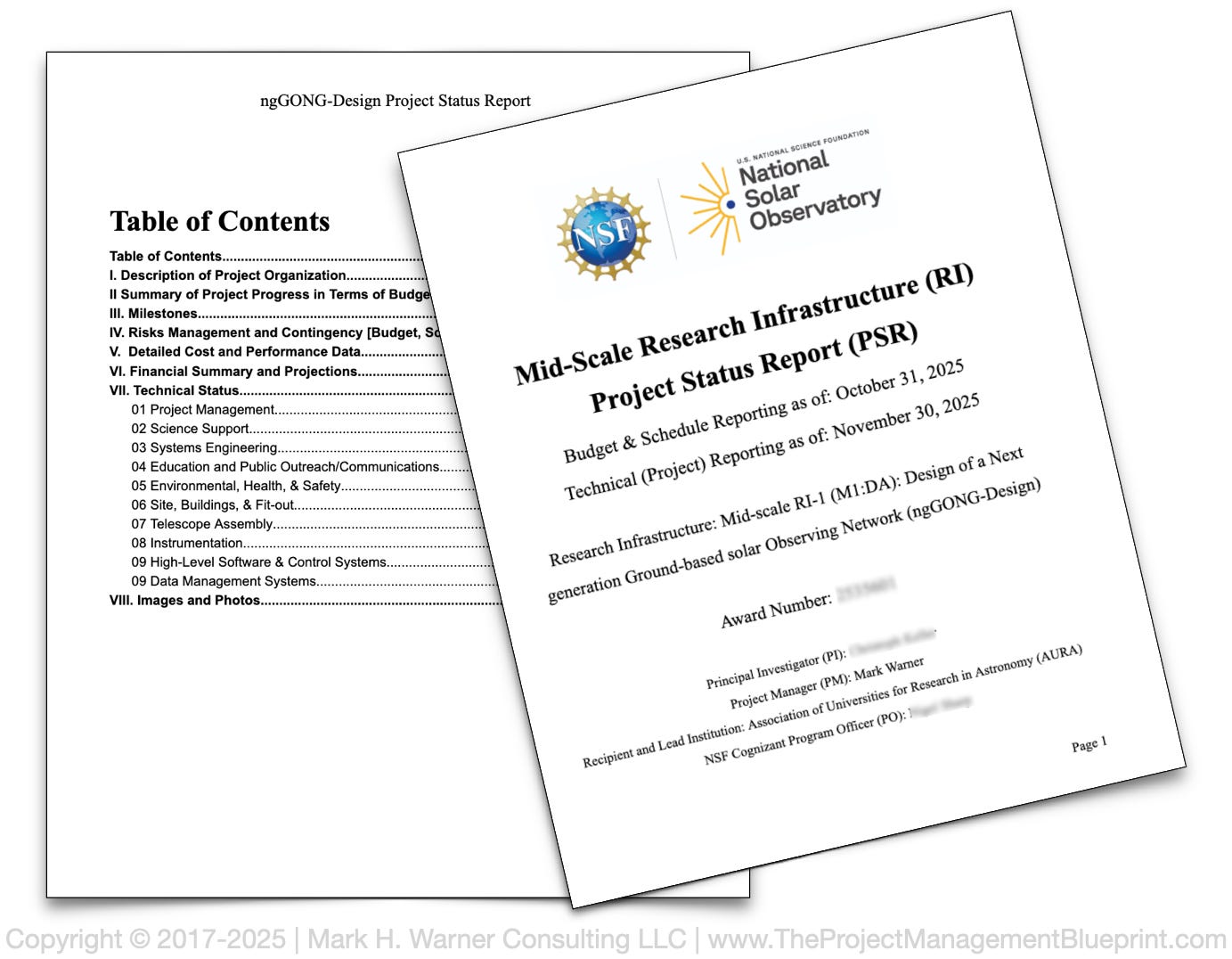
On ngGONG, we intentionally made our monthly reports boring. Well, not “boring” per se, but we made them predictable. The core template will rarely change. The sections map directly to what NSF and other key stakeholders have asked to see: programmatic status (budget, schedule, risk, & contingency), salient technical status/progress data (organized by WBS areas), and images & photographs. Heck, even our title page is plain and prescribed.
We started with externally imposed formats—the NSF reporting requirements—and treated them as the baseline. Then we extended them just enough for our project context: explicit contingency burn-down vs risk exposure, etc. Those extra sections give sponsors exactly what they need to act quickly, without hunting through narrative text.
How you should handle this on your project:
At the start of a project, talk to your key stakeholders, converging on an agreed‑upon report format. Walk through a draft table of contents: scope, schedule, budget, risks, decisions, actions, maybe a one‑page dashboard. Make the structure part of your stakeholder engagement plan and, ideally, your charter and/or communications plan. You are not just agreeing on what you will report, but how and where they will find it every time.
Once you have that skeleton, lock it down. Use bullets for the technical updates—accomplishments, variances, issues, next steps. Standardize sections for scope changes, milestone status, critical path movements, and risk updates. Treat the template as a checklist to reduce the chance you forget something important. When you improve it, do so slowly and transparently: explain the change, keep the overall layout intact, and avoid “surprising” your readers with a new look—or even minor changes. The goal is “boring” and predictable (and therefore useful).
Bottom Line:
Your stakeholders do not need (nor want) creative structure; they need (and want) reliable information, fast. Creativity and unpredictability are anathema to professional project management. Pick one simple, fixed monthly template that covers scope, schedule, budget, risks, decisions, and actions. Agree on it with your stakeholders, then use it for at least six cycles. Measure how long reviews take, how many questions you get, and how often you hear “no surprises.” That is where you will see the genuine beauty in boring—and why, on real projects, useful beats creative every time.